 StayTuned
Free to use
Every feature is free. No sign-up, and no ads.
A free, ad-free RSS and Atom reader with no sign-up. Sync across devices using your browser's features or Notion.
Every feature is free. No sign-up, and no ads.
No ads, sponsored rows, analytics SDKs, or trackers.
Feed content lives in IndexedDB on this device. Sync happens in your own environment.
Optional Notion sync and webhooks go only where you name, and only after you set them up.
Chrome: use Add to Chrome.
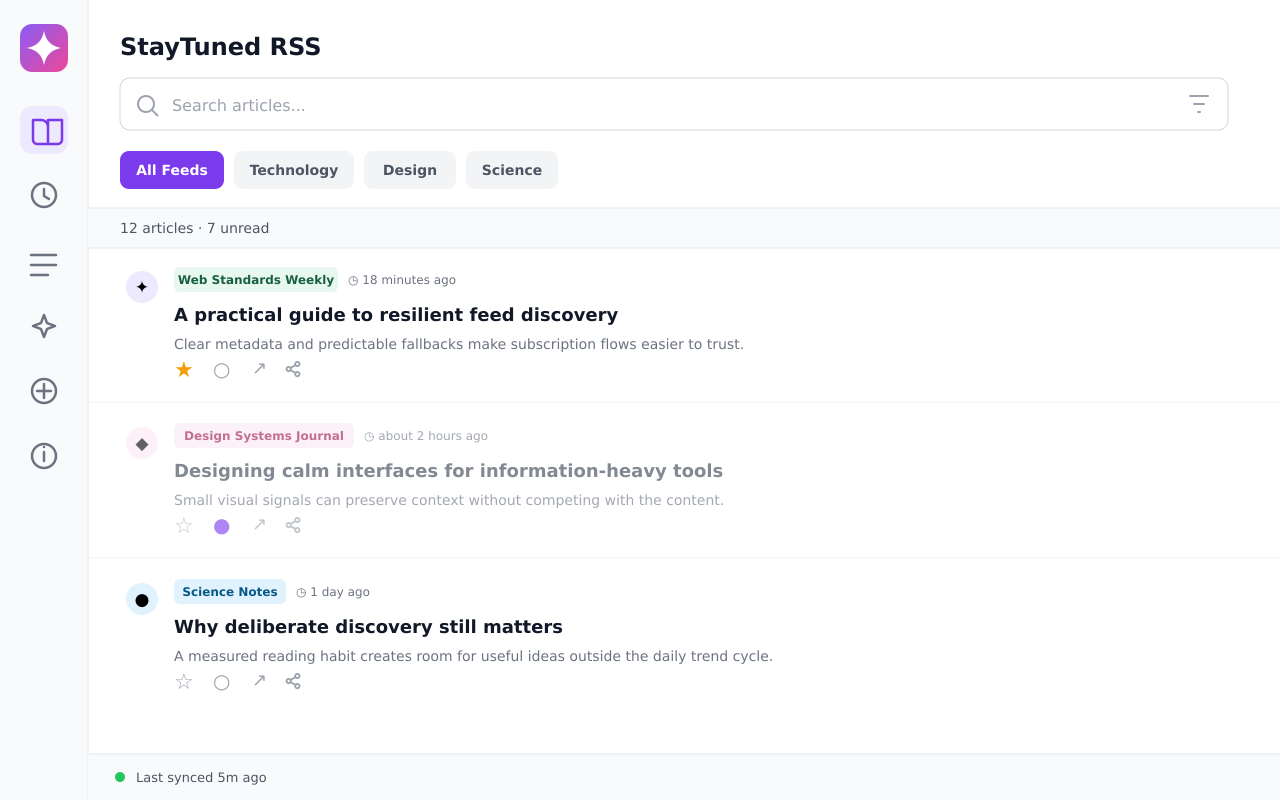
The reader opens on unread articles. Filter by category and by unread or read. Opening an article follows its link in a browser tab. Mark it read, unread, or starred from the row.
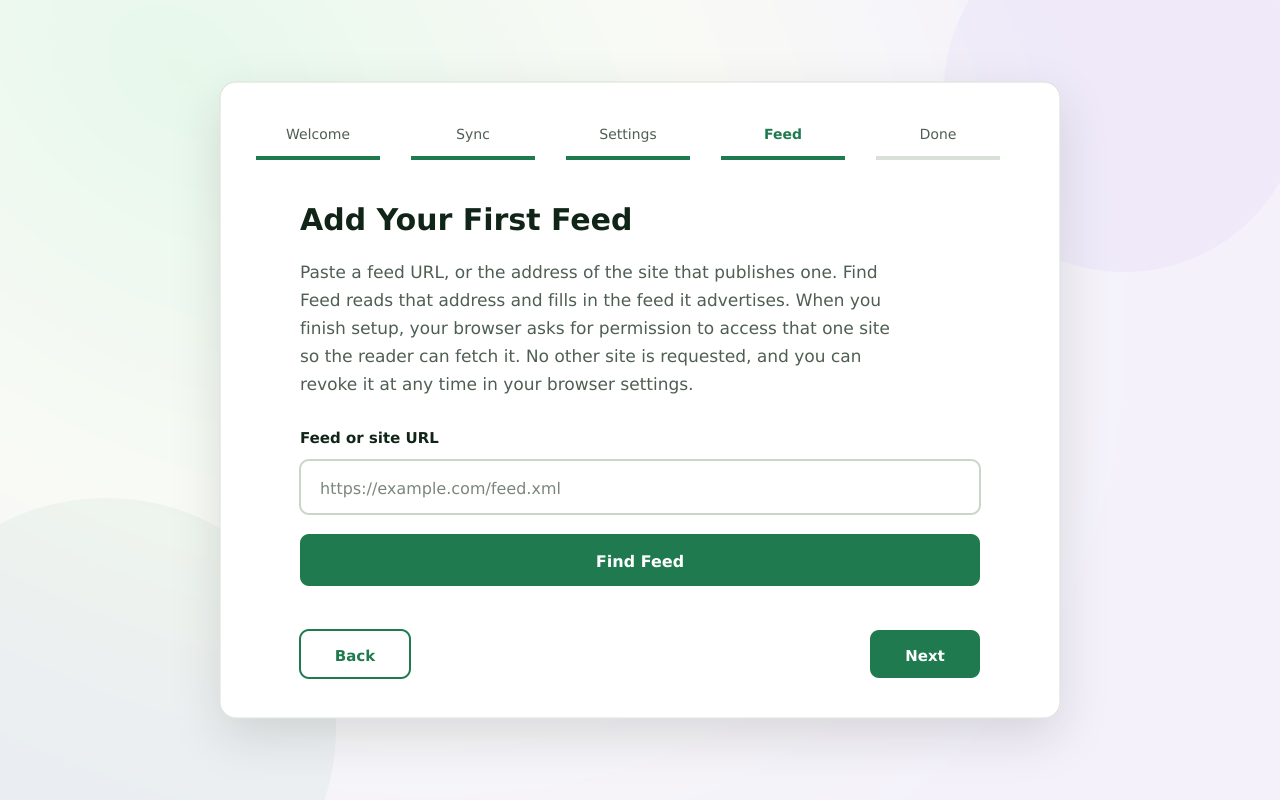
Feeds refresh on a schedule (Settings → Auto Refresh, default every 15 minutes) and once when the browser starts. Use the Refresh control on the Articles page to fetch now.
The search box matches a word against titles, excerpts, and feed names. Bookmark a word to save it as a chip on this device (up to ten; they do not sync). Click the chip to search again.
English and Japanese ship in the same build. Choose in popup Settings → Appearance → Language, or on the first onboarding step. Feed titles and article text stay as published; they are not translated.
Synchronization is optional. When it is on and the backend is your browser account, settings, subscriptions, and recent read and star state copy between profiles of that vendor. Chrome does not converge with Firefox on this path.
To share one feed list across browser vendors, choose Notion in Settings and connect a workspace you own. Article bodies are never sent. The token stays in local storage on the device where you entered it.
Every article has a share menu: copy the link, open an X compose window, or send the title, URL, feed name, and date to a webhook you configured (Slack, Discord, or generic JSON). Nothing is sent until you choose an entry.
The developer does not collect, receive, or monetize your data. The extension talks to the feed sites you add, and to Notion or a webhook only after you configure them. Read the privacy policy (English, then Japanese on the same page).